
A check you can do yourself in five minutes, and why it's one of the first things we look at on internal tests.
Here's a quick one you can check yourself.
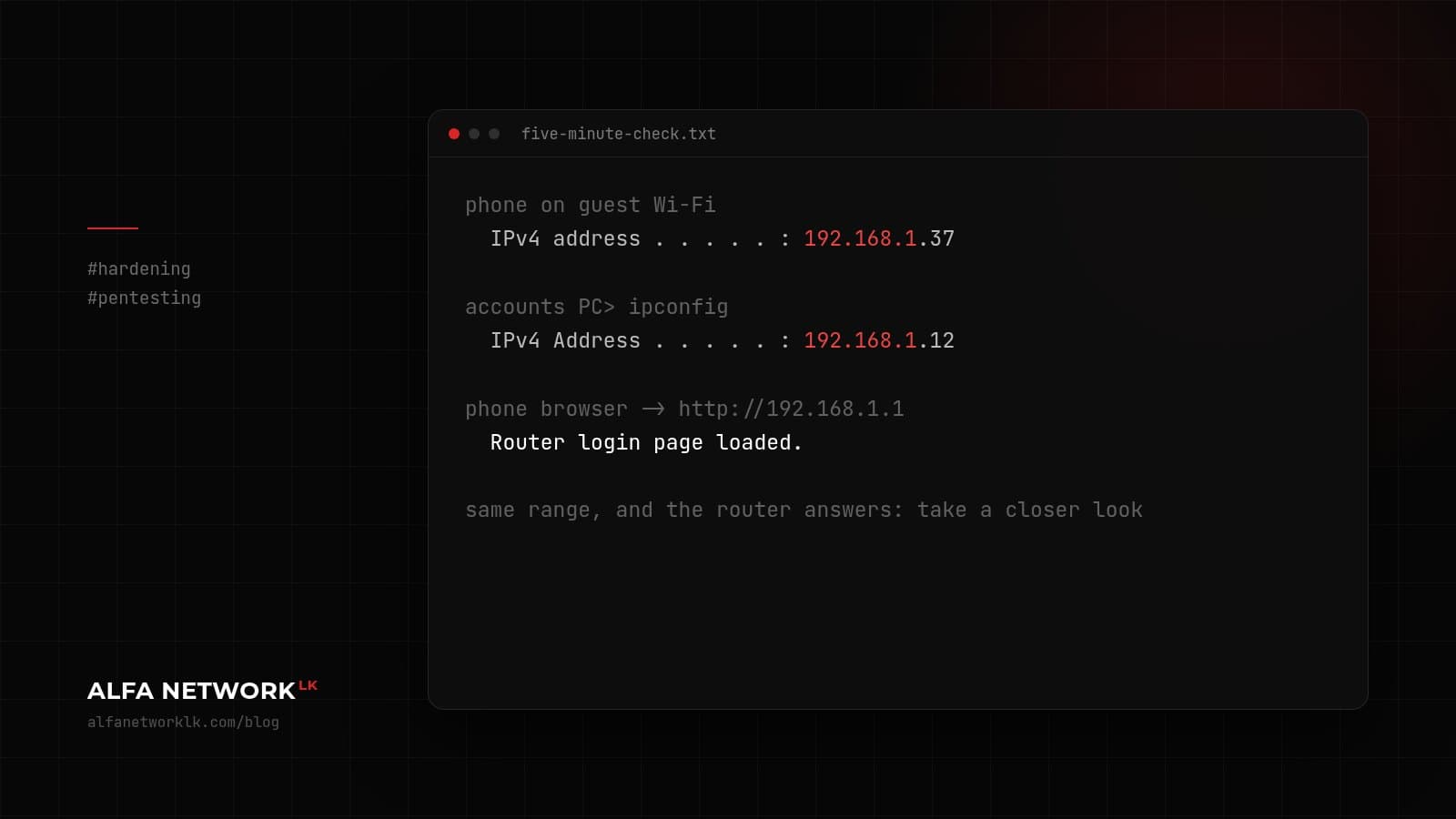
Connect a phone to your office guest Wi-Fi and look at the IP address it was given. Then check the IP address of a normal office PC (on Windows, run ipconfig). If both start with the same three numbers, say 192.168.1.x, there's a good chance your visitors, the delivery rider waiting in reception, and anyone parked outside with a decent antenna are on the same network as your accounts department.
It isn't proof on its own. Some routers isolate guests even on the same range. But it's worth a closer look, and it's one of the first things we check on internal tests. Plenty of small-office routers are set up with the guest network bridged to the main one, or someone switched isolation off to get the printer working.
While you're on the phone, open a browser and type in the IP address of your router, your NAS or your printer. If a login page loads, guests can reach it.
What good looks like
- Guest Wi-Fi on its own network (a separate VLAN, or the router's proper guest mode) with client isolation on.
- Guests can reach the internet and nothing else.
- A different password from the staff Wi-Fi, changed now and then, and not written on the wall behind reception.
- Staff Wi-Fi on WPA2 or WPA3 with a long passphrase, or individual logins if your hardware supports it.
If an old router is doing all of this, it may not support proper separation at all. Replacing it is usually cheap compared to what's sitting on the other side.

Comments (0)
No public comments yet.