
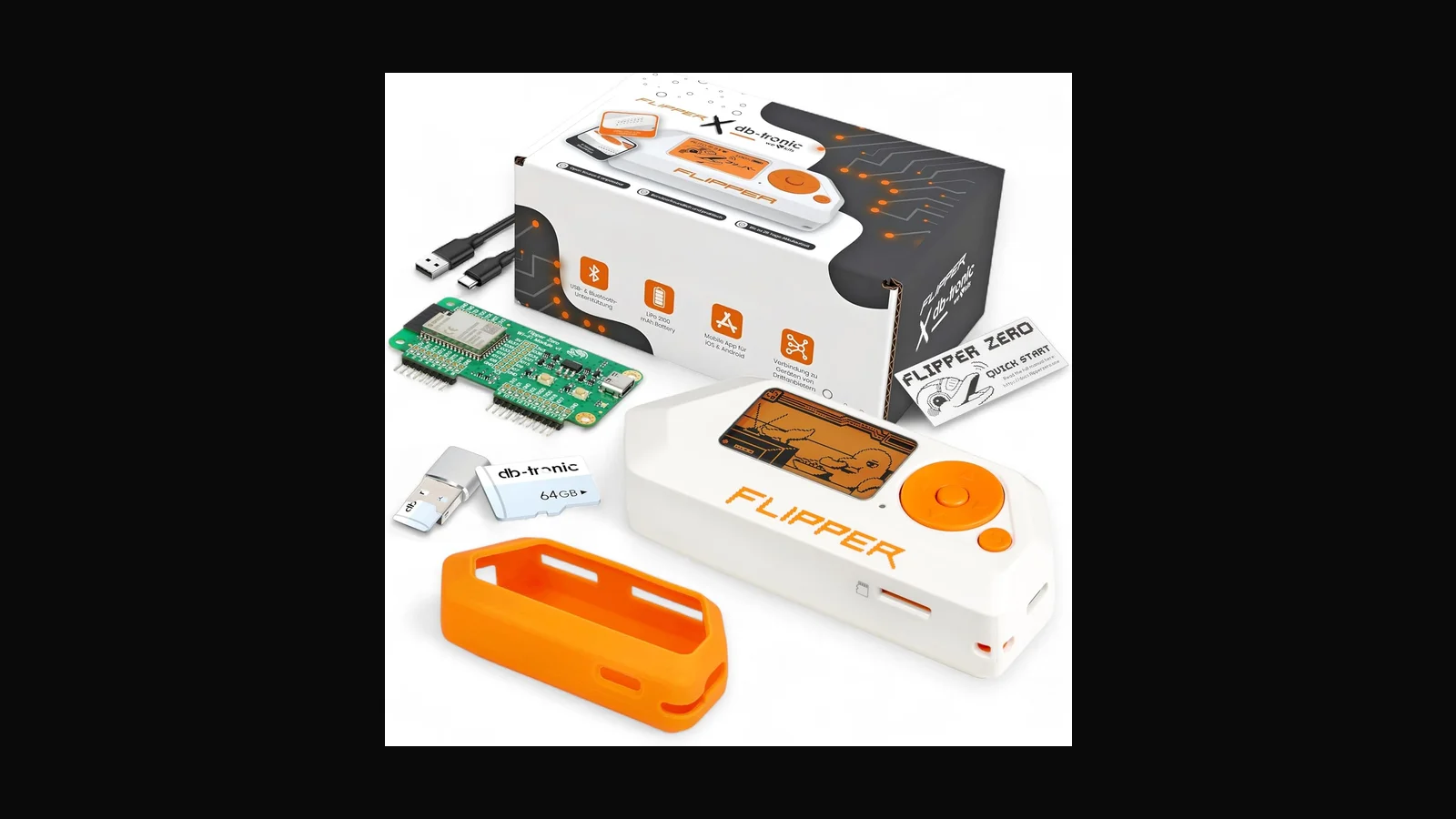
What the Flipper Zero actually does in authorised labs, how the Full Set differs from Device Only, and how we sell it from Ja-Ela with clear use rules.
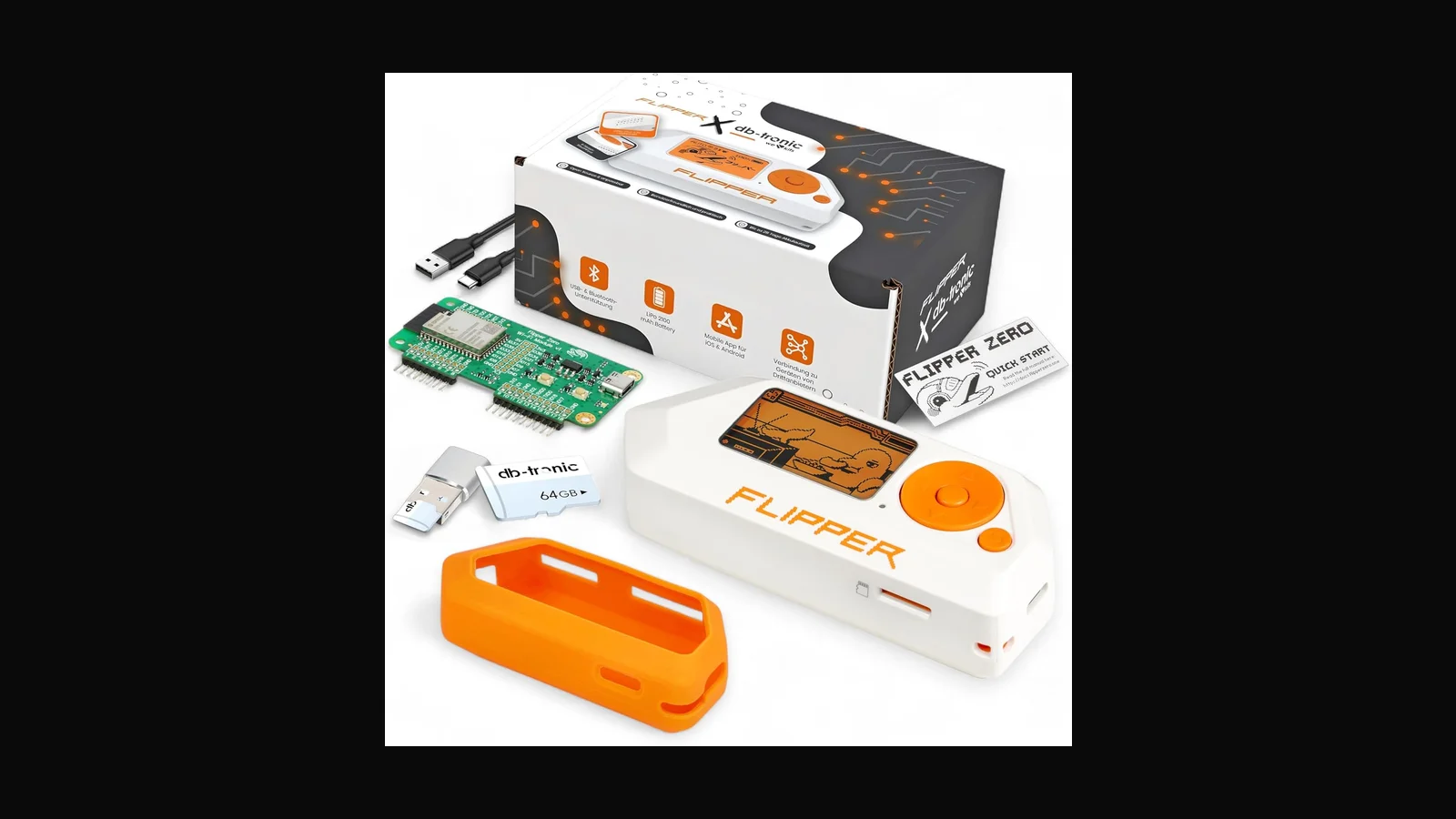
What it is
The Flipper Zero is a pocket multi-tool for hardware and wireless learning. Official docs describe a Sub-1 GHz transceiver based on a CC1101 (usable bands depend on region; the hardware covers roughly 300–928 MHz in supported ISM ranges), NFC at 13.56 MHz (ST25R3916), low-frequency RFID at 125 kHz, infrared, iButton/1-Wire, and Bluetooth Low Energy on an STM32WB55-class MCU. It is not a magic bypass for every lock in Colombo. It is a structured way to study how access tokens, remotes, and simple RF links behave — when you are allowed to.
I sell two options from ALFA Network LK: the Full Set at LKR 151,000 (VAT inclusive) and Device Only at LKR 94,500 (VAT inclusive). The Full Set is the path most students and first-time buyers take because the extras (cases, cards, cables, and related accessories in the kit we ship) mean you spend less time hunting parts before a lab session.
What it is actually used for
In authorised work I see Flipper used for:
- Lab demos of RFID/NFC card cloning risks on systems the client owns
- Capturing and replaying Sub-GHz remotes that the engagement scope explicitly allows
- Infrared remote enumeration in physical-security workshops
- Teaching teams why “security by obscure badge format” fails
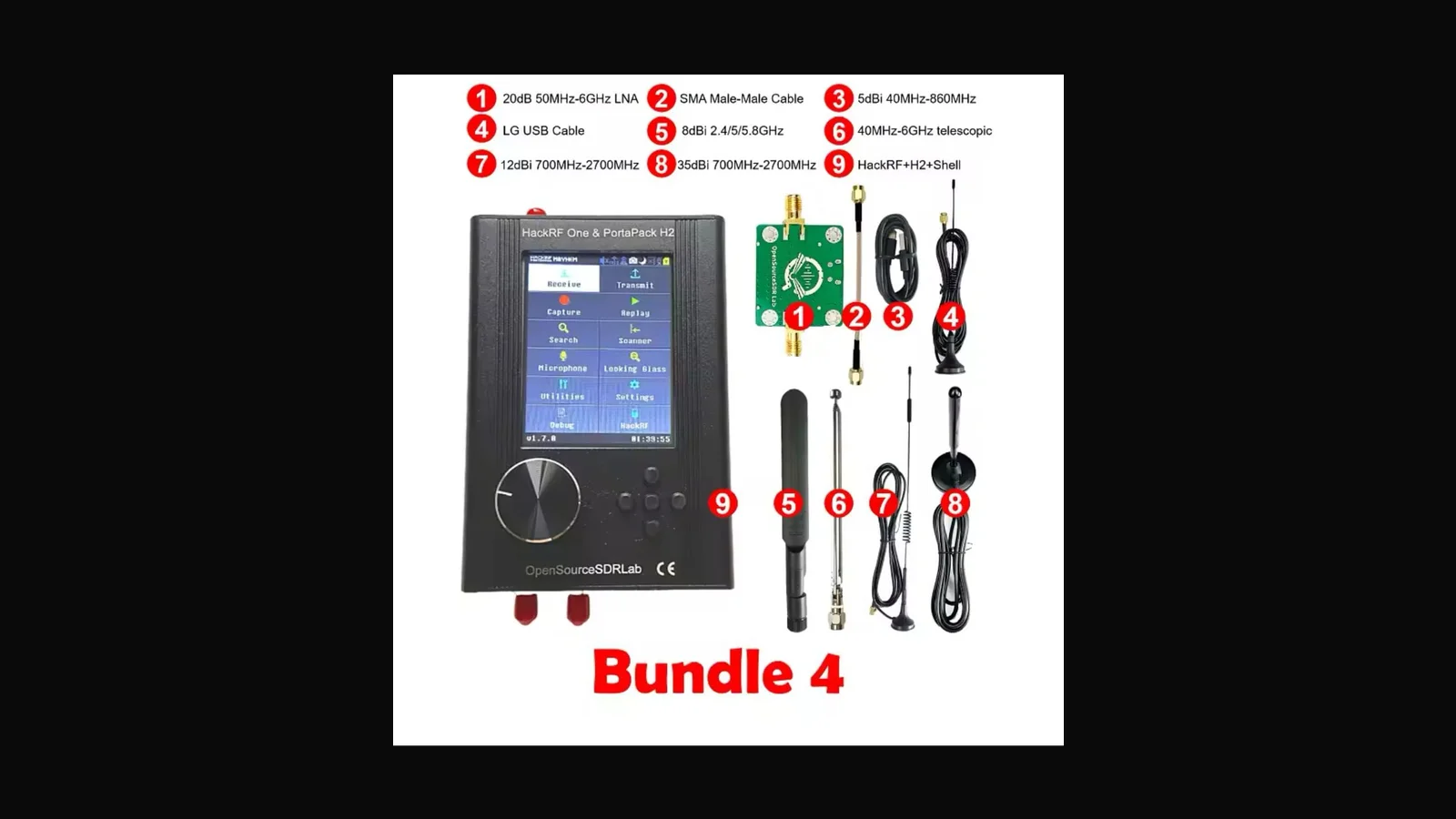
It is a teaching and assessment aid. It does not replace a proper RF lab, a HackRF for wideband SDR, or a written engagement letter.
Key specs (vendor-documented)
- MCU: STM32WB55RG (ARM Cortex-M4) with BLE
- Sub-GHz: CC1101; supported ISM bands include 315 / 433 / 868 / 915 MHz depending on region and firmware limits
- NFC: 13.56 MHz, read/save/emulate for supported card types per Flipper documentation
- RFID LF: 125 kHz
- Display: monochrome LCD 128×64
- Battery: about 2100 mAh (vendor claims multi-week standby; real lab use drains faster)
- Storage: microSD (card not always included with Device Only — confirm kit contents when you order)
I do not invent unsupported protocols here. If a protocol is missing from official Flipper docs, assume it is not supported until you verify on your firmware build.
Full Set vs Device Only
Choose the Full Set if you are starting out, teaching a small class, or want fewer “we forgot the cable” delays. Choose Device Only if you already own cases, test cards, and USB leads, or you are adding a second unit to a kit.
If your only goal is Wi-Fi monitor-mode work, buy a proper adapter instead — Flipper is the wrong tool for 802.11 assessment.
Practical setup notes
- Update firmware from official Flipper sources before first lab use
- Use a quality microSD; cheap cards corrupt mid-capture
- Keep a written inventory of which badges and remotes you are allowed to touch
- On shared office Wi-Fi or client sites, leave Sub-GHz transmit off until the scope says otherwise
Who it suits
Security students, consultants teaching physical-security awareness, and teams that need a portable demo unit. Skip it if you only need SDR from 1 MHz to 6 GHz (look at HackRF + PortaPack) or if you only care about 802.11.
Legal and ethical use
These tools belong in authorised assessments, lab practice, and training — not casual tinkering on networks that are not yours.
In Sri Lanka, unauthorised access to computer systems can engage the Computer Crimes Act No. 24 of 2007. This post is practical product guidance, not legal advice. If you are unsure whether a test is allowed, get written permission first and talk to counsel who knows local law.
Only use this gear on systems you own, or on systems where a named client has given you written authorisation that covers the methods you plan to run.
FAQ
Is Flipper legal to own in Sri Lanka?
Owning a multi-tool is not the same as using it against someone else's systems. Use stays inside ownership or written authorisation. Ask counsel if your use case is unusual.
Does the Full Set change the hardware capabilities?
The device core is the same class of unit. The Full Set mainly changes what accessories arrive with it so you can start labs sooner.
Can it clone every office badge?
No. Many enterprise badges use cryptography Flipper cannot break. Treat 'it worked on a cheap tag in the lab' as a teaching moment, not a guarantee.
Do you ship outside Colombo?
Message Dishan on WhatsApp with your city and we will confirm delivery options.
Ordering in Sri Lanka
Flipper Zero Full Set: LKR 151,000 (VAT inclusive). Device Only: LKR 94,500 (VAT inclusive).
Order on alfanetworklk.com or message Dishan on WhatsApp at +94 75 255 0704. Payment options we use locally are cash on delivery, KokoPay, or bank deposit. Before dispatch we ask for ID verification and a signed authorised-use declaration — that is how we keep sales tied to legitimate training and assessment work.
Comments (0)
No public comments yet.