
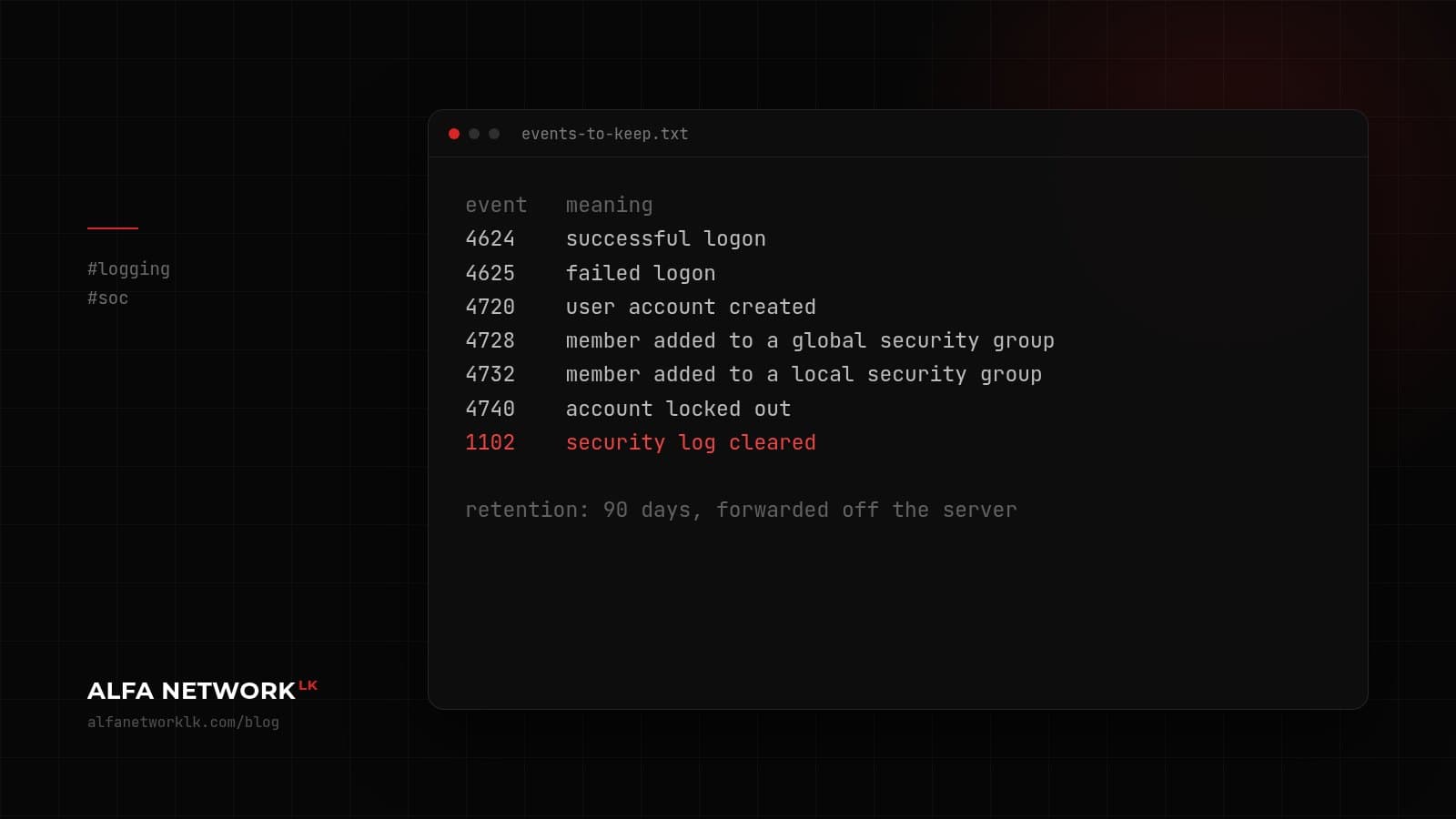
If you had to answer 'who logged in, and what changed?' tomorrow, could you? A small logging setup, and the Windows event IDs worth keeping.
After an incident, the first thing everyone asks is "can we see what happened?" Quite often the answer is no. Not because there were no logs, but because the ones that mattered were never switched on, or they rolled over after three days.
You don't need a SIEM to fix most of that. You need to decide what to keep, and keep it long enough.
Start with the questions
Before picking any tool, write down what you'd want to know the morning after something goes wrong. For most small and mid-sized companies it's something like: who logged in and from where, which accounts were created or given more rights, what changed on the firewall and servers, and whether the backups ran.
If your logs can answer those, you're ahead of a lot of people.
Windows events worth collecting
On domain controllers and important servers, this is a reasonable first set:
4624  successful logon
4625  failed logon
4720  user account created
4728  member added to a global security group
4732  member added to a local security group
4740  account locked out
1102  security log cleared
1102 on its own should wake someone up. There's rarely a good reason for it.
Also turn on PowerShell script block logging. It's off by default, and it's often the only record of what an attacker actually ran.
Keep them somewhere else
Logs that live only on the server that got compromised aren't much use. Forward them to at least one other machine. Windows Event Forwarding is built in. An open-source stack like Wazuh or Graylog on a modest VM also works, as long as someone on the team is happy to look after it.
Keep 90 days if you can. Intrusions often go unnoticed for weeks.
Don't alert on everything
Pick a handful of alerts that really matter (security log cleared, a new domain admin, a burst of failed logins followed by a success) and send them to a named person, not a shared mailbox. A noisy dashboard gets ignored within a month. We've watched it happen.
One small thing about time: store timestamps in UTC and convert to Sri Lanka time when you display them. Mixing the two across devices makes an investigation much slower than it needs to be.
Comments (0)
No public comments yet.