
How HackRF One with PortaPack H2 is used in labs, what the four ALFA bundles cost in LKR, and what you still need to bring yourself.
What it is
HackRF One (Great Scott Gadgets) is a half-duplex software-defined radio covering 1 MHz to 6 GHz, up to 20 million samples per second, with 8-bit I/Q samples over Hi-Speed USB. PortaPack H2 adds a screen, controls, and onboard apps so many receive and analysis tasks run without tethering to a laptop.
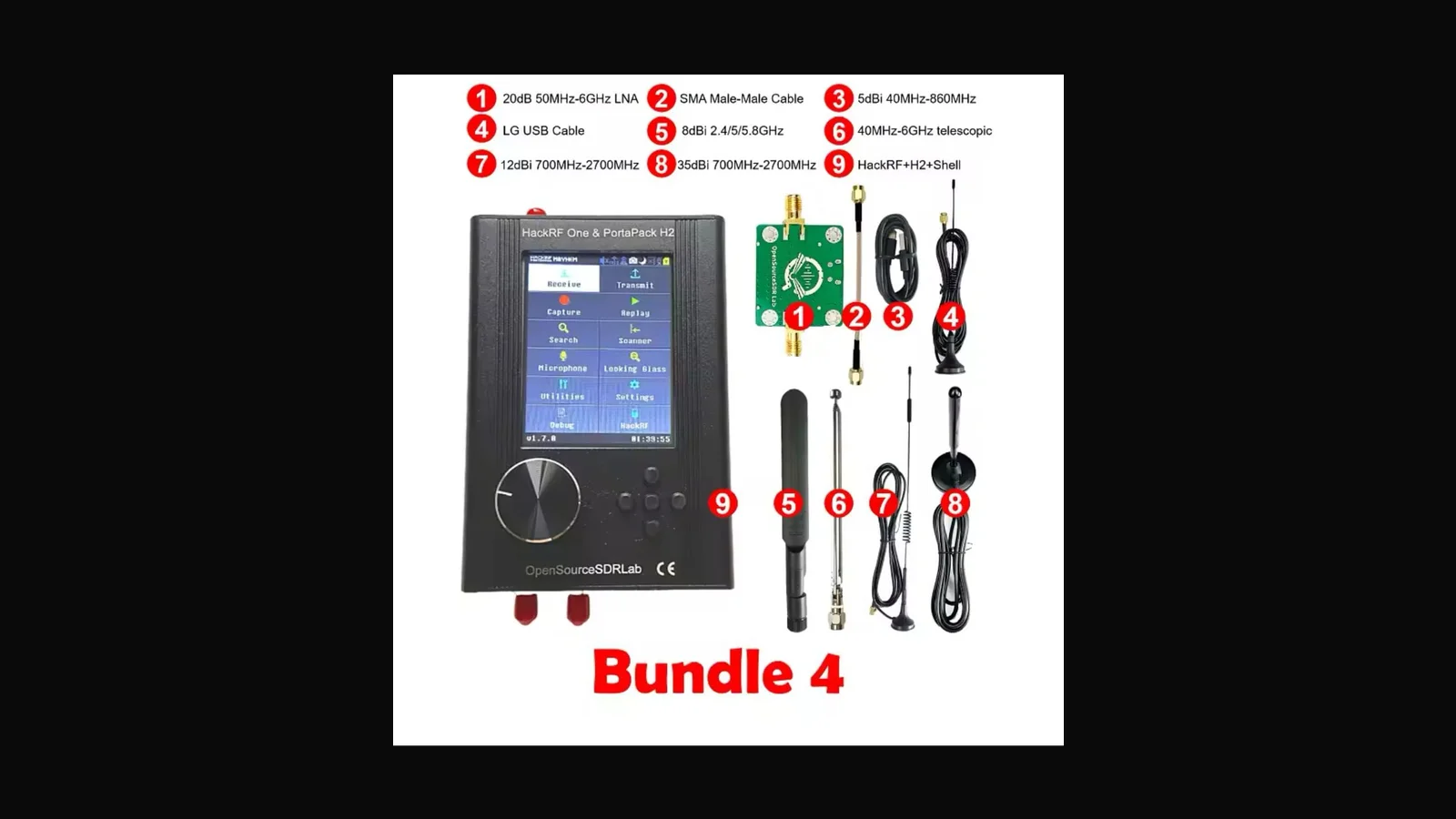
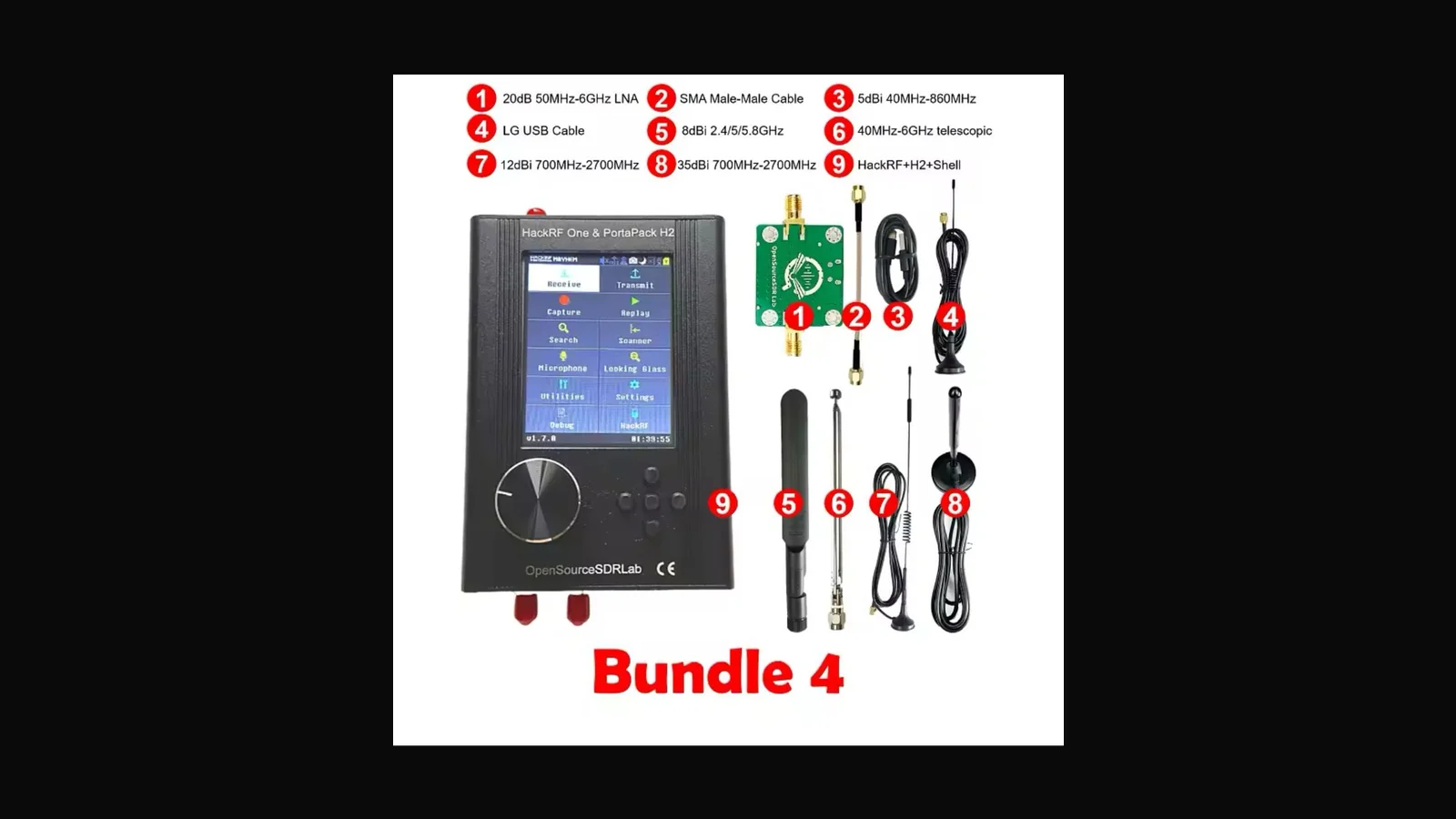
At ALFA I sell four HackRF One + PortaPack H2 bundles (VAT inclusive):
| Bundle | Price (LKR) |
|---|---|
| Bundle 01 | 65,000 |
| Bundle 02 | 68,500 |
| Bundle 03 | 72,000 |
| Bundle 04 | 76,500 |
Higher bundles pack more accessories (antennas, cables, cases — confirm the live product page for the exact packing list before you pay). The radio core remains HackRF One class hardware.
What it is actually used for
- Lab spectrum awareness for ISM and licensed bands you are allowed to observe
- Teaching SDR basics with GNU Radio, CubicSDR, or PortaPack apps
- Replay and protocol learning only inside a Faraday cage or client-approved range
- Field kits for consultants who already have RF written into the SOW
It is not a toy for jamming neighbours' Wi-Fi or listening to private conversations. Transmit capability means you can cause real interference if you are careless.
Key specs (vendor-documented for HackRF One)
- Frequency: 1 MHz – 6 GHz
- Half-duplex transceiver
- Up to 20 Msps, 8-bit quadrature
- SMA antenna port; software-configurable gain/filters
- USB-powered; open hardware/software ecosystem
- Compatible with GNU Radio, SDR#, and similar tools
PortaPack H2 specifics vary by revision; treat Mayhem/stock firmware docs as the source of truth for menus and expansions.
Who should buy which bundle
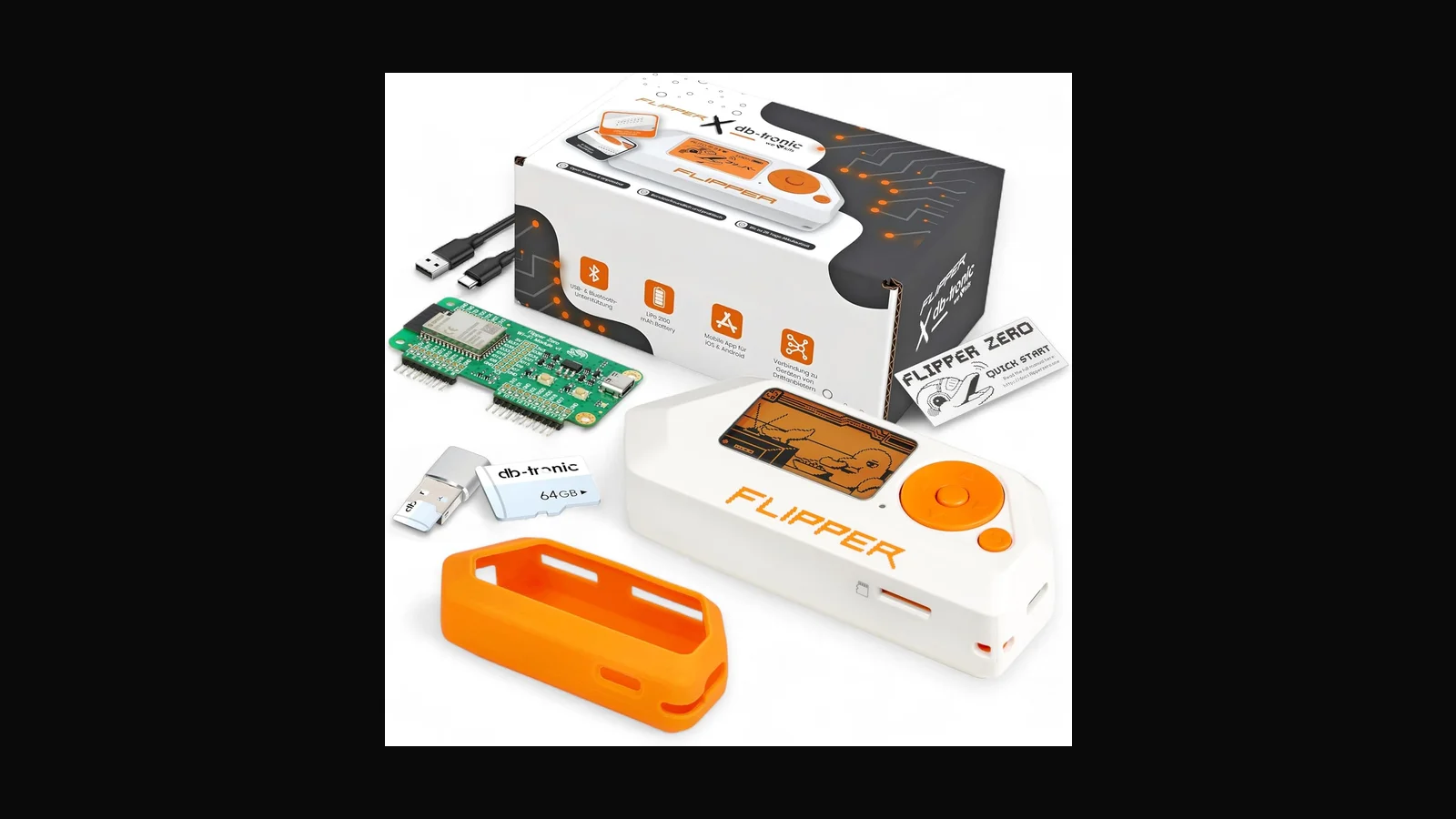
Pick Bundle 01 if you already own antennas and a laptop workflow. Move up the bundle ladder when you want fewer separate purchases for first field kits. If you only need Sub-GHz badge/remotes work, Flipper is cheaper and simpler. If you only need 802.11, buy an ALFA USB adapter instead.
Practical setup notes
- Use a short, known-good USB cable; many “SDR random disconnect” tickets are cables
- Start receive-only until you understand duty cycle and local spectrum rules
- Label every antenna with its band; wrong antennas waste power and confuse students
- On Kali/Parrot, install
hackrfutilities and confirmhackrf_infobefore class
Legal and ethical use
These tools belong in authorised assessments, lab practice, and training — not casual tinkering on networks that are not yours.
In Sri Lanka, unauthorised access to computer systems can engage the Computer Crimes Act No. 24 of 2007. This post is practical product guidance, not legal advice. If you are unsure whether a test is allowed, get written permission first and talk to counsel who knows local law.
Only use this gear on systems you own, or on systems where a named client has given you written authorisation that covers the methods you plan to run.
FAQ
Can PortaPack replace a laptop entirely?
For many handheld receive and simple TX workflows, yes. Heavy GNU Radio pipelines still want a PC.
Is transmit legal outdoors?
Only where your licence and engagement allow it. Indoor labs with attenuation are the default teaching setup.
Why four prices?
Accessory packing differs. Check the product page for the current Bundle 01–04 contents.
Do you include an ANT500?
Depends on bundle. Ask before ordering if a specific antenna is mandatory for your class.
Ordering in Sri Lanka
HackRF One + PortaPack H2 bundles: LKR 65,000 / 68,500 / 72,000 / 76,500 (VAT inclusive), depending on bundle number.
Order on alfanetworklk.com or message Dishan on WhatsApp at +94 75 255 0704. Payment options we use locally are cash on delivery, KokoPay, or bank deposit. Before dispatch we ask for ID verification and a signed authorised-use declaration — that is how we keep sales tied to legitimate training and assessment work.
Comments (0)
No public comments yet.