
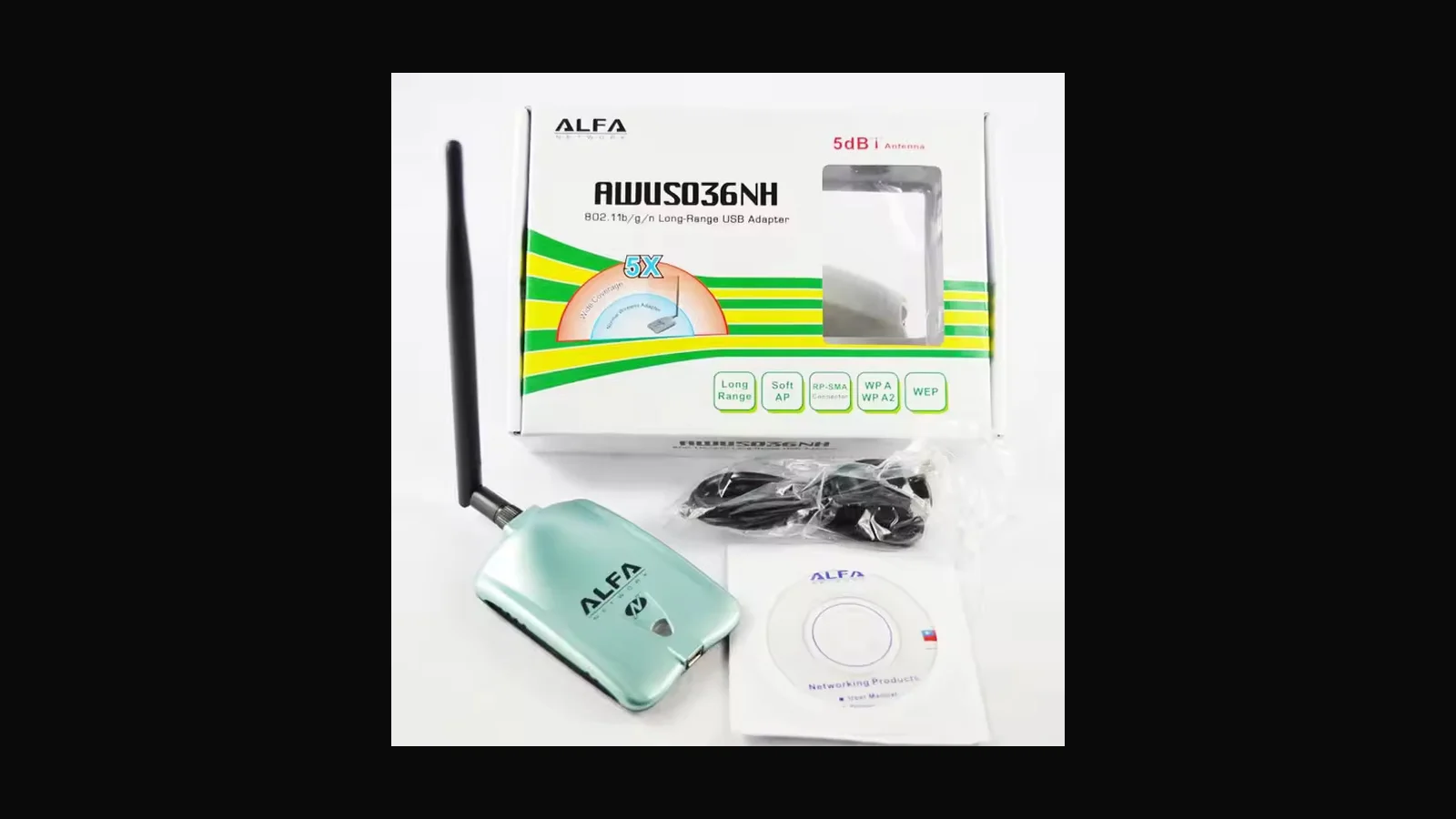
Where the AWUS036NH fits in a Sri Lankan kit bag, how it differs from NHA, and honest limits for assessment work.
Comparing ALFA USB Wi-Fi adapters? Open the Wi-Fi adapter comparison table.
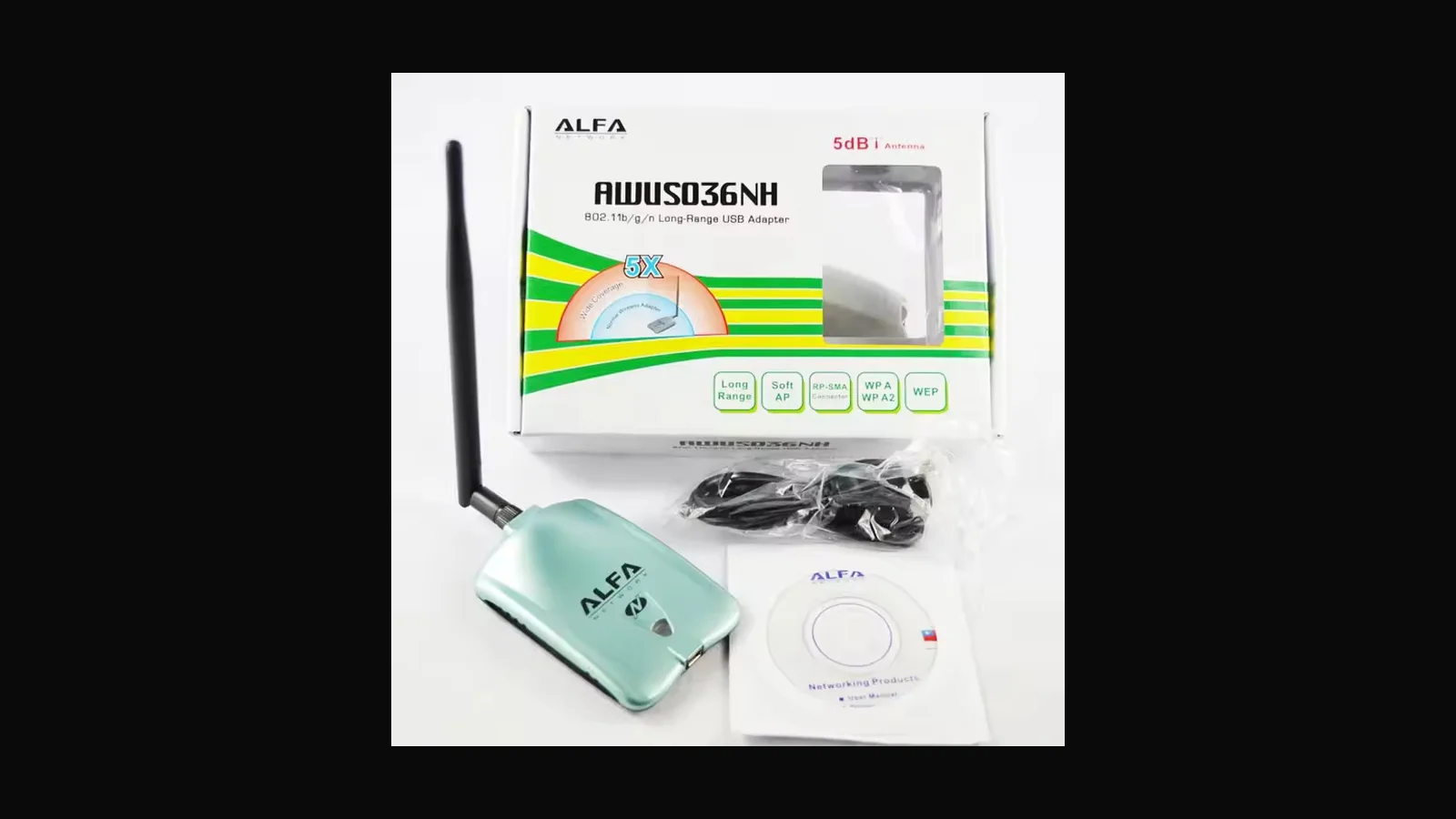
What it is
The ALFA AWUS036NH is a USB Wi-Fi adapter we stock at ALFA Network LK for connectivity upgrades and for security labs that need a dedicated radio (instead of a flaky internal laptop card).
Price: LKR 22,500 (VAT inclusive).
What it is actually used for
In authorised work and teaching I use adapters like this to:
- Put a known chipset into monitor mode for lab captures on SSIDs you own
- Give Kali/Parrot a radio that behaves more predictably than many built-in Intel/Broadcom cards in VMs
- Separate “office Wi-Fi” from “assessment radio” on the same laptop
- Practice aircrack-ng suite workflows in a classroom setup or isolated lab AP
It is not a licence to attack the café AP downstairs.
Key specs (verify-able)
| Item | Detail |
|---|---|
| Chipset | Commonly associated with Realtek RTL8187L on classic NH units (confirm via lsusb on the unit you receive — revisions exist) |
| Bands | 2.4 GHz |
| Standard | 802.11b/g/n class high-power USB adapter |
| Interface | USB 2.0 with high-gain antenna kit |
| Antenna | High-gain 2.4 GHz antenna (retail kits vary; often 5–9 dBi class marketing) |
Monitor mode / Kali notes
Older NH units were staples for monitor mode with rtl8187 drivers. Because hardware revisions exist, identify the chipset on arrival before writing it into a methodology. For predictable teaching, many labs standardised on NHA (AR9271) instead.
Driver behaviour changes across kernel versions. Before a paid engagement, reproduce monitor mode and injection on the same OS image you will use on-site.
Who it suits / who should pick something else
Buy NH when you specifically want this housing/antenna kit and have verified chipset. Prefer NHA for ath9k clarity. Prefer ACM/ACHM for dual-band.
Practical setup notes
Run
lsusb -vand store the ID in your inventory sheetDo not mix NH and NHA in student instructions without labeling
Retest injection after OS upgrades
Prefer a USB extension so the antennas sit away from the laptop chassis
Disable NetworkManager on the assessment interface before
airmon-ngDocument MAC addresses and physical labels when several adapters share a kit bag
Legal and ethical use
Wireless adapters with monitor mode are routine in authorised Wi-Fi assessments and classroom labs. They are also easy to misuse.
In Sri Lanka, unauthorised access to computer systems can engage the Computer Crimes Act No. 24 of 2007. This article is product guidance, not legal advice. Only capture or inject against networks you own or networks named in a written authorisation that covers those methods.
FAQ
Will this work in a VirtualBox/VMware Kali guest?
Often yes if USB passthrough is stable and you use a short cable. Some chipsets are happier on bare metal. If airmon-ng fails, test on a live USB Kali before blaming the adapter.
Does monitor mode equal packet injection?
No. Many chipsets do both in community testing, but you should verify on your kernel with aireplay-ng injection tests inside a lab SSID you own.
Is AWUS036NH enough for 5 GHz / Wi-Fi 6 work?
Check the bands section above. A 2.4 GHz-only card will not see 5 GHz clients. Wi-Fi 6E cards add 6 GHz for connectivity; monitor-mode maturity still varies by driver — verify on your kernel before a client engagement.
How do I order in Sri Lanka?
Use the CTA below. We sell these for training and authorised testing, with ID checks and an authorised-use declaration before dispatch.
Ordering in Sri Lanka
Price: LKR 22,500 (VAT inclusive).
Order on alfanetworklk.com or message Dishan on WhatsApp at +94 75 255 0704. Payment: COD, KokoPay, or bank deposit. ID verification and a signed authorised-use declaration are required before dispatch.
Comments (0)
No public comments yet.