
A plain-language guide to the USB Rubber Ducky we stock in Sri Lanka — what DuckyScript is for, lab setup, and ordering rules.
What it is
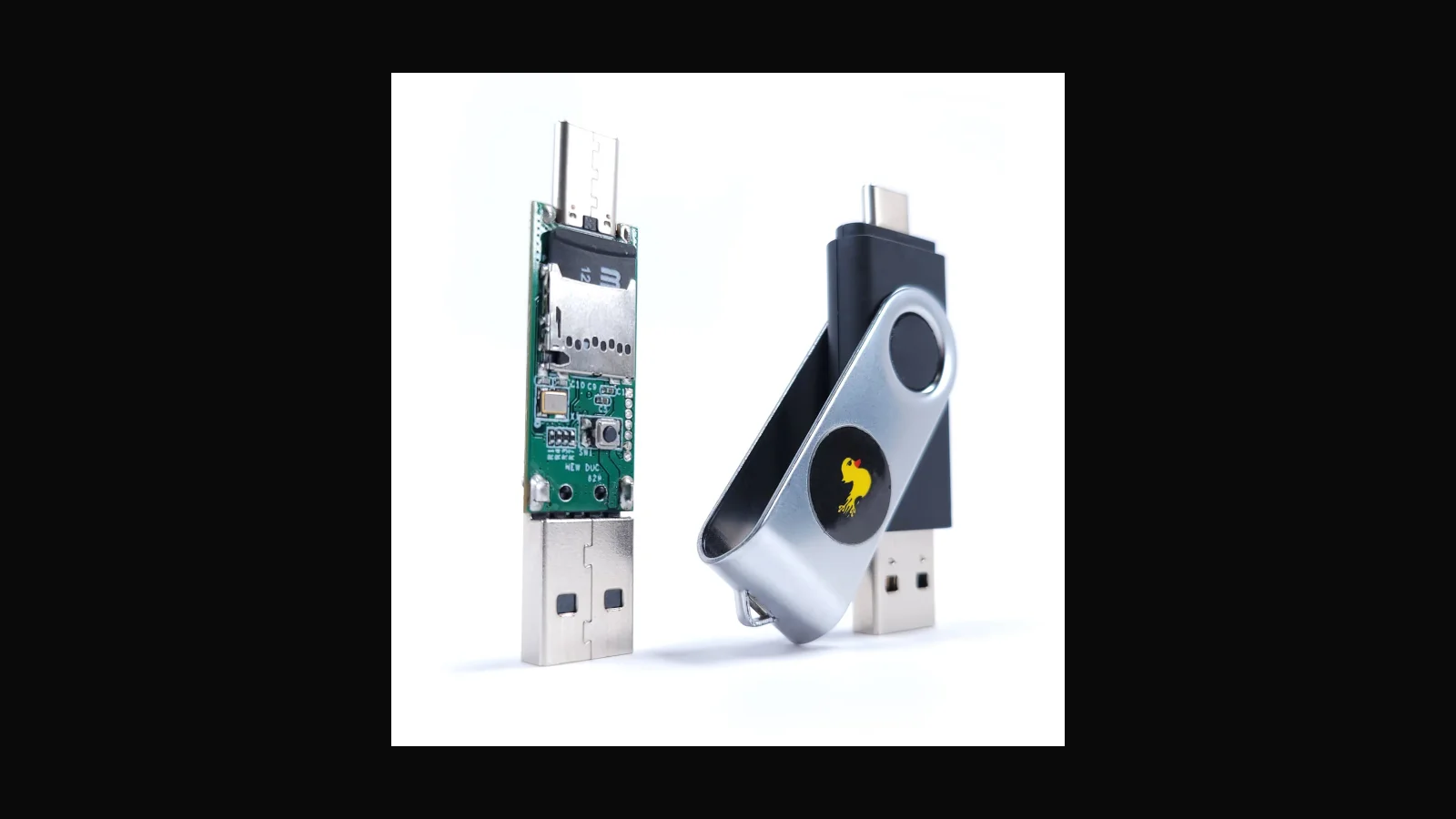
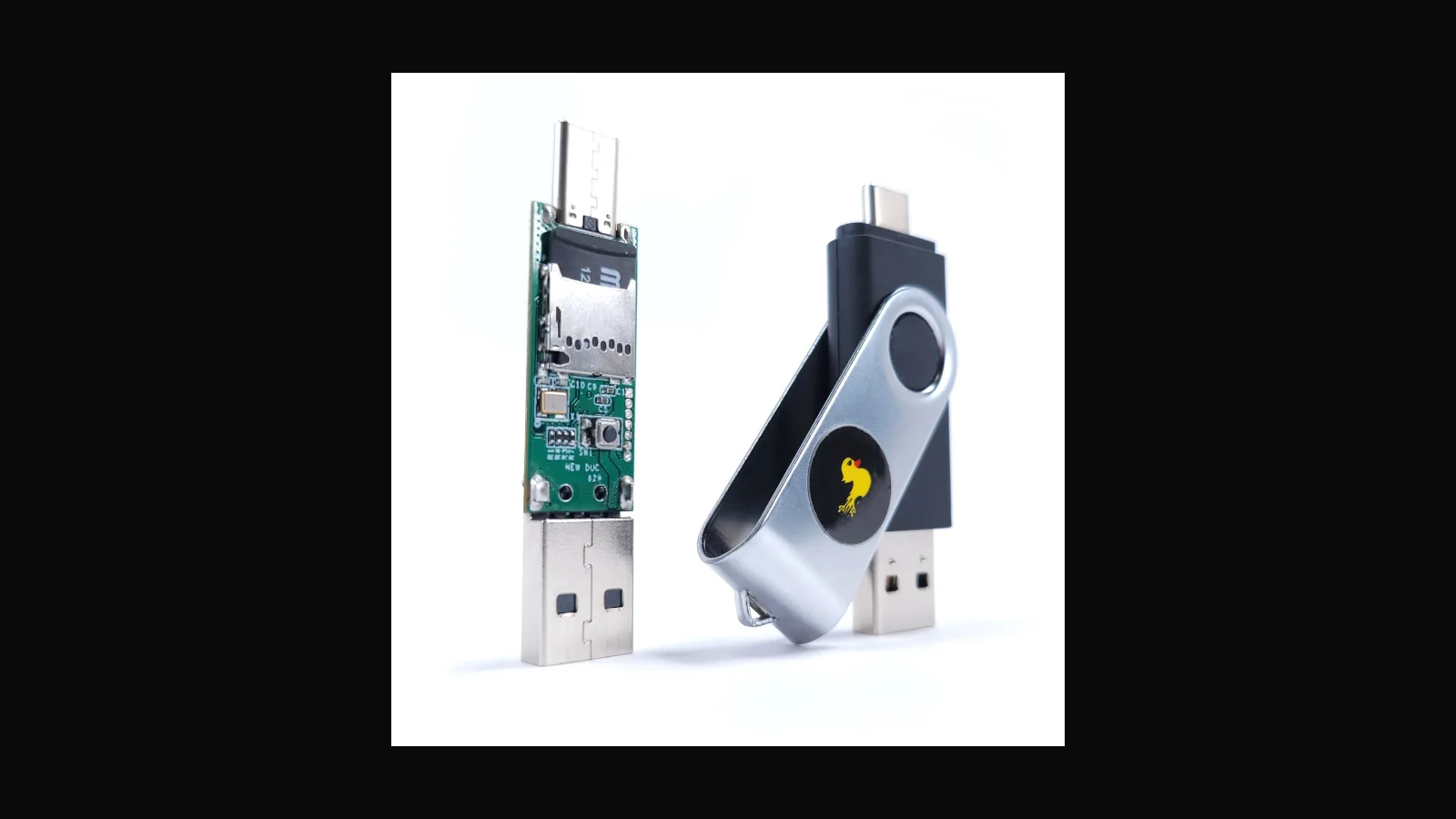
The USB Rubber Ducky is Hak5's keystroke-injection platform. To a person it looks like a USB stick. To a computer it enumerates as a keyboard (HID) and can type faster than any human. Modern units speak DuckyScript 3.0, work with Hak5 Payload Studio, and ship in USB-A/C friendly form factors with a flash-drive style case.
ALFA sells the Rubber Ducky locally at LKR 68,000 (VAT inclusive).
What it is actually used for
- Demonstrating how quickly a trusted HID device can open a shell or drop a payload when USB is unrestricted
- Encoding repeatable onboarding or hardening checks for client labs
- Teaching detection: USB device control, HID rate anomalies, and physical security habits
It is not for surprising colleagues at the office pantry. Every demo needs ownership or written scope.
Key facts (vendor-facing)
- Attack class: HID keystroke injection
- Language: DuckyScript (classic payloads still useful; 3.x adds logic, extensions, OS detection helpers)
- Form factor: flash-drive style with USB-A/C targeting flexibility on current hardware
- Ecosystem: Payload Studio, PayloadHub community payloads, Hak5 documentation
Exact PCB revision can change over time — flash firmware from Hak5's published channels.
Who it suits / who should pick something else
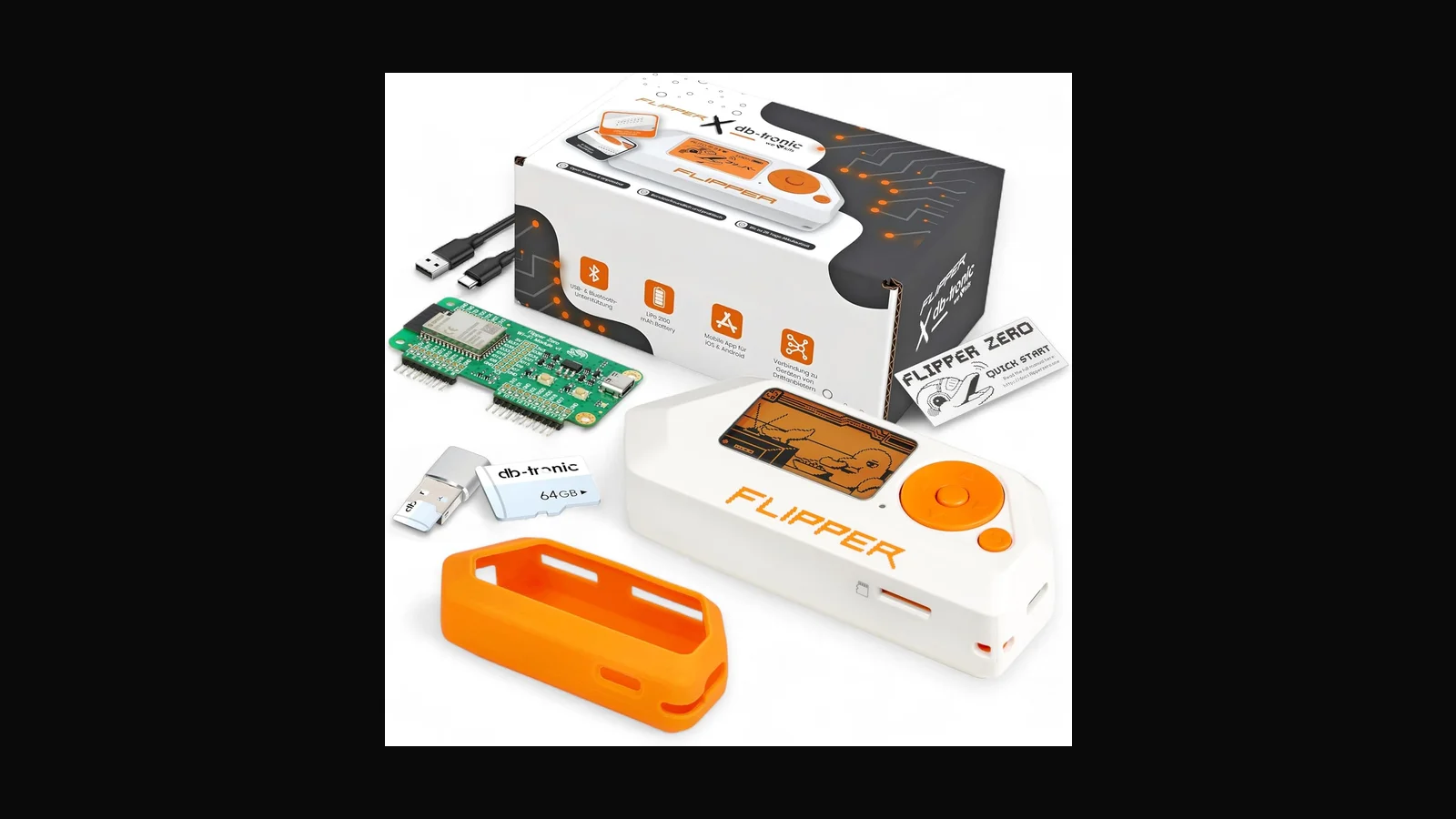
Suits red-teamers and trainers who already explain USB risk to clients. If you need Ethernet implants, look at Shark Jack or Packet Squirrel. If you need Wi-Fi rogue AP labs, look at WiFi Pineapple. If you need a cable that looks like a charger, that is a different product family (and we may need to source it).
Practical setup notes
- Encode payloads on a machine you control; keep a clean “known good” firmware baseline
- Test against a disposable VM before any client laptop
- Prefer detection labs: show Windows USB policies blocking unknown HIDs after the attack demo
- Store devices locked; treat them like engagement tooling, not desk toys
Sri Lankan lab context
Most of the teams I talk to here do not have a spare RF cage or a full red-team warehouse. A single USB radio, a written lab SSID, and a laptop image everyone agrees on already prevent a lot of confusion. Keep the assessment radio off corporate EAP networks unless the SOW says otherwise. When students share adapters, label the MAC and the chipset on masking tape — generics look identical in a pile.
If you are buying for a company kit bag, write a one-page loan sheet: who signed it out, which engagement, and when it came back. That sounds dull. It stops tools walking into uncontrolled demos.
Legal and ethical use
These tools belong in authorised assessments, lab practice, and training — not casual tinkering on networks that are not yours.
In Sri Lanka, unauthorised access to computer systems can engage the Computer Crimes Act No. 24 of 2007. This post is practical product guidance, not legal advice. If you are unsure whether a test is allowed, get written permission first and talk to counsel who knows local law.
Only use this gear on systems you own, or on systems where a named client has given you written authorisation that covers the methods you plan to run.
FAQ
Will antivirus stop it?
Many AV products ignore raw HID typing. That is the teaching point — controls must include device policy, not only malware signatures.
Does it need Wi-Fi?
No. Classic injection is local USB. Other Hak5 tools add network paths.
Can I use community payloads as-is?
Read every line. Community does not equal authorised for your client.
How do I order?
alfanetworklk.com or WhatsApp Dishan — details below.
Ordering in Sri Lanka
Hak5 USB Rubber Ducky: LKR 68,000 (VAT inclusive).
Order on alfanetworklk.com or message Dishan on WhatsApp at +94 75 255 0704. Payment options we use locally are cash on delivery, KokoPay, or bank deposit. Before dispatch we ask for ID verification and a signed authorised-use declaration — that is how we keep sales tied to legitimate training and assessment work.
Comments (0)
No public comments yet.