
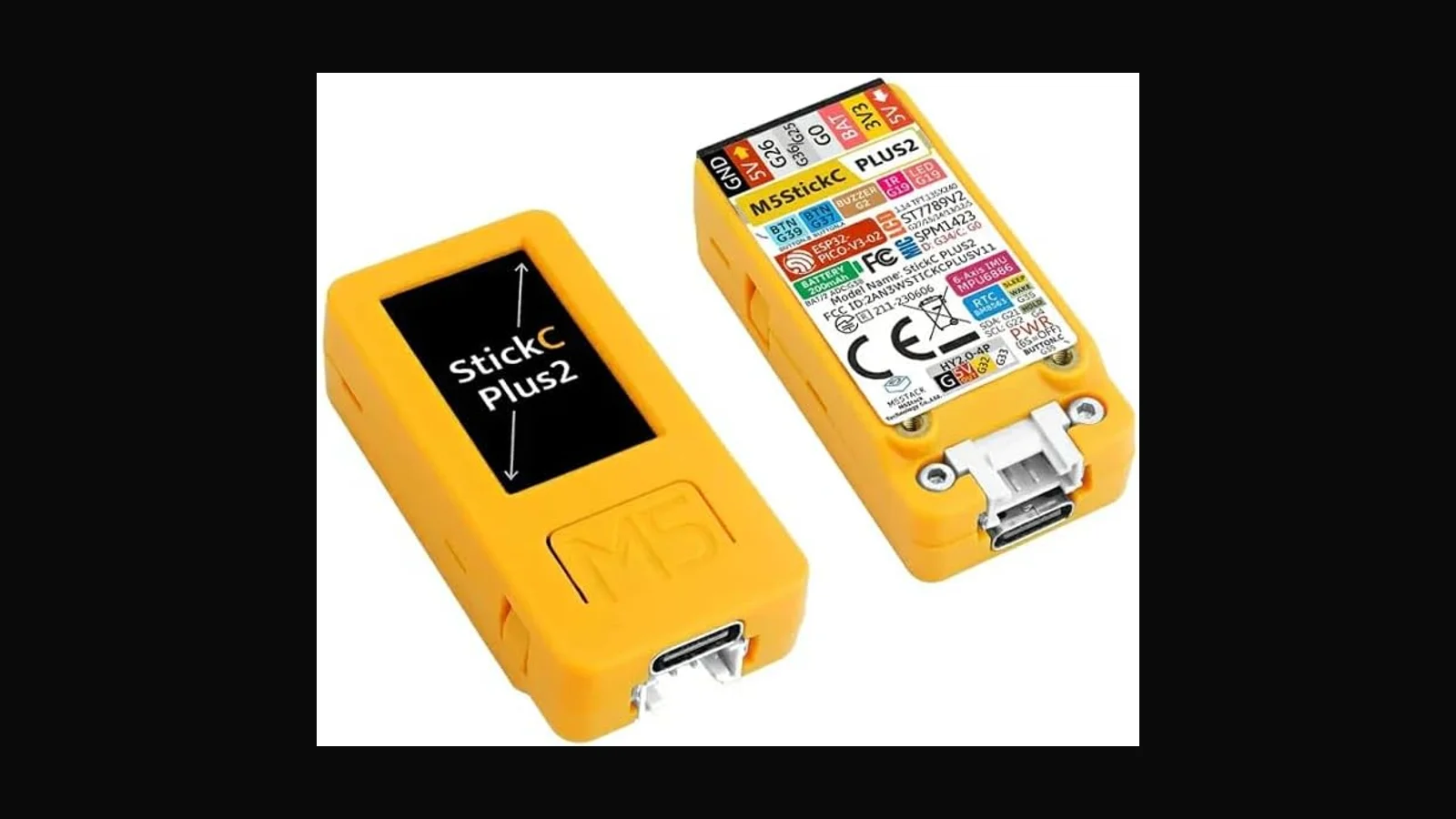
Why I stock the M5StickC Plus V2 full set for embedded and security labs in Sri Lanka, what changed from V1, and who should buy it.
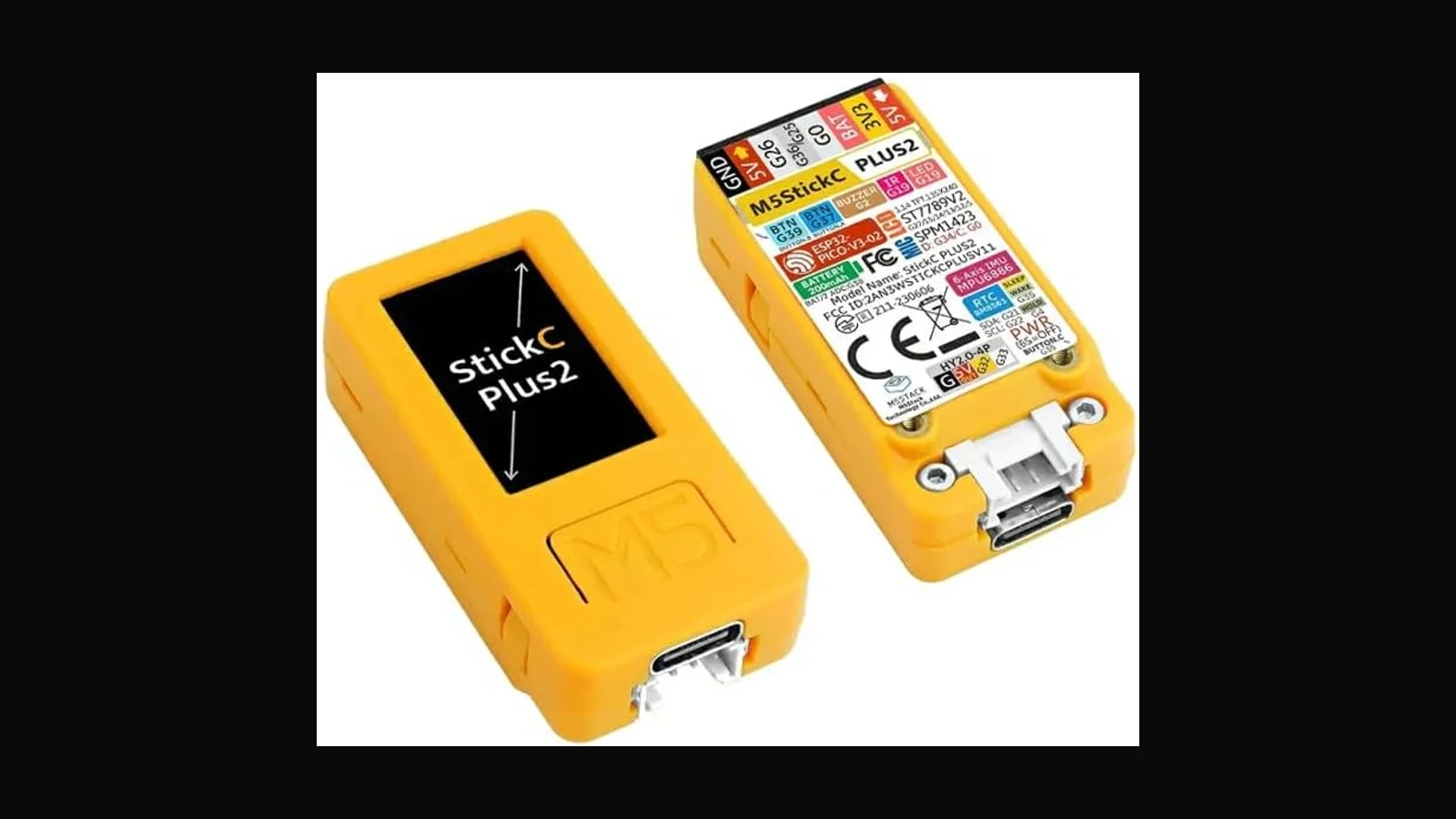
What it is
The M5StickC Plus V2 is a tiny ESP32-based development stick with a colour display, sensors, and battery — useful for IoT prototypes and for compact security demos (IR, Wi-Fi tooling you flash yourself, sensor labs). The V2 generation uses an upgraded ESP32-PICO-V3-02 class module, about 200 mAh battery (up from roughly 120 mAh on V1), plus 2 MB PSRAM and 8 MB flash for smoother UI work.
ALFA price for the V2 Full Set: LKR 14,750 (VAT inclusive).
What it is actually used for
- Teaching embedded Wi-Fi/Bluetooth concepts without a full breadboard mess
- IR transmit experiments on equipment you own
- Building small status gadgets for lab networks
- Student projects that must fit in a pencil case
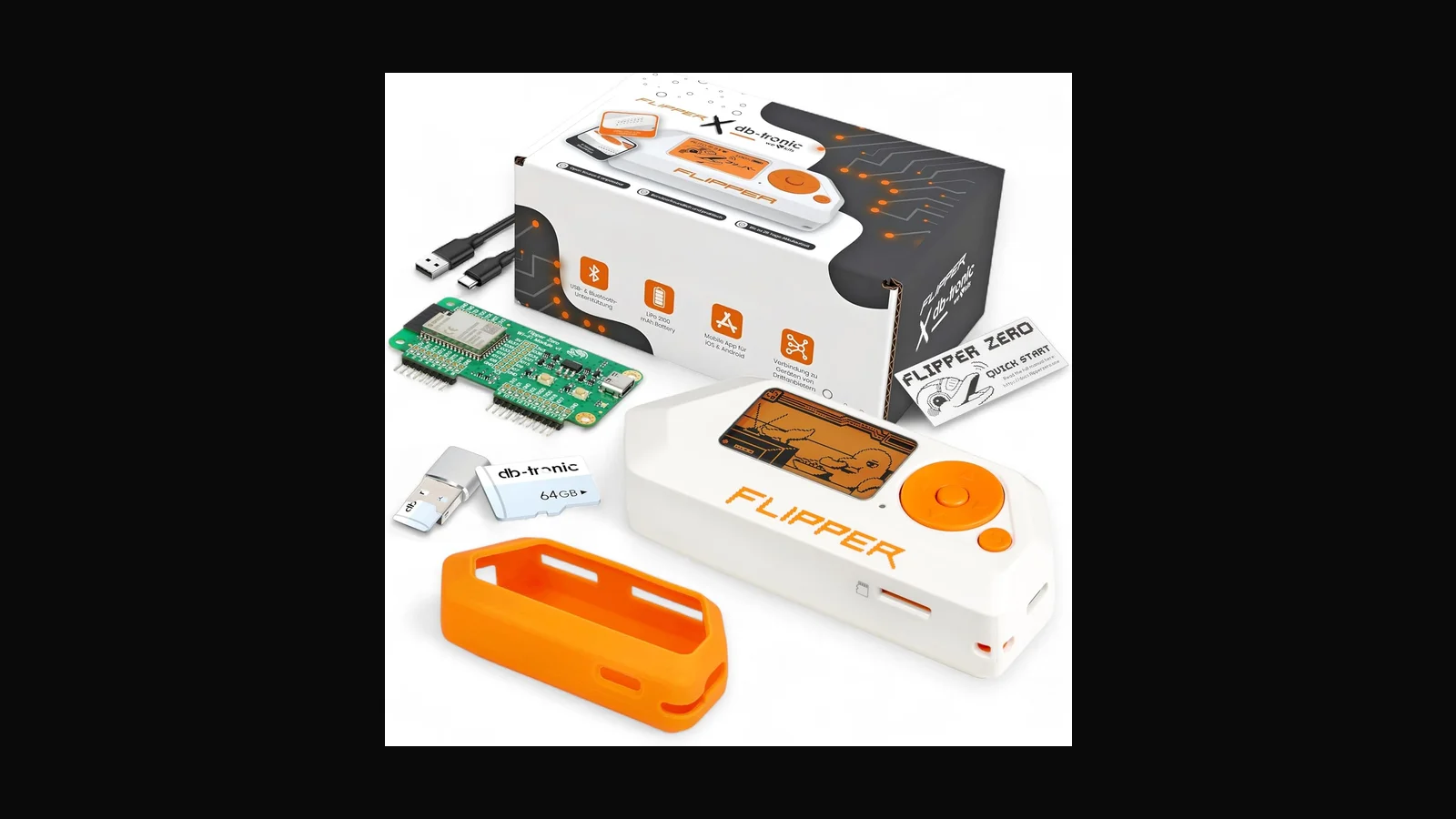
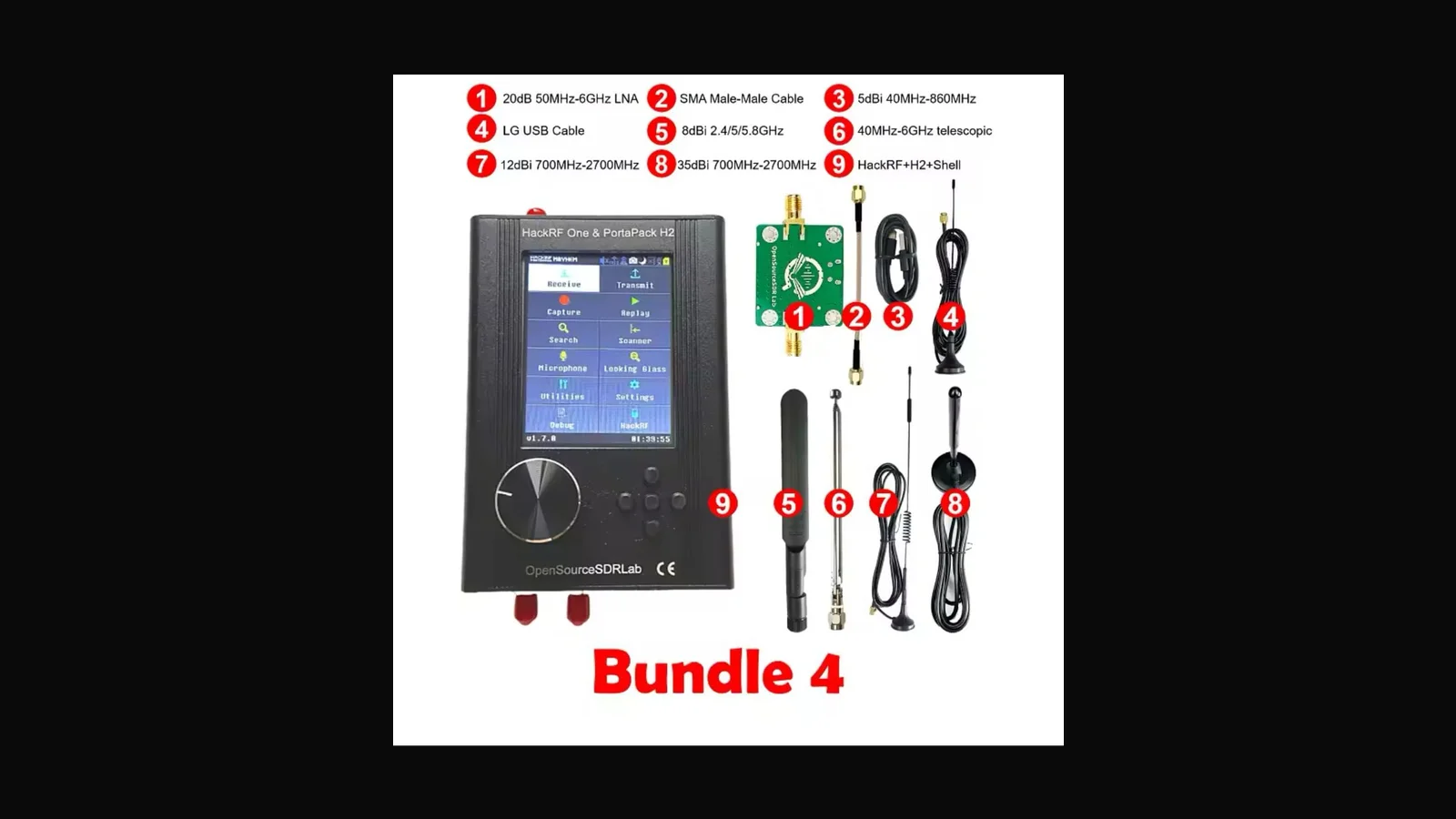
It is not a Flipper replacement and not a HackRF.
Key specs (from product documentation we sell against)
- ESP32 dual-core class module (PICO-V3-02 on V2)
- 1.14" colour TFT (135×240 class display used on Plus form factor)
- IMU (MPU6886 class), IR transmitter, mic/buzzer depending on kit
- Wi-Fi + Bluetooth as provided by the ESP32 module
- USB-C programming/power on current sticks
- Full Set: expect stick + cable + basic accessories as listed on the product page
Who should buy V2 vs V1
Buy V2 if you want longer runtime and PSRAM headroom for UI-heavy firmware. Buy V1 if budget is tight and your sketches are simple. If you need Sub-GHz capture, buy Flipper. If you need monitor-mode Wi-Fi, buy an ALFA USB adapter.
Practical setup notes
- Use Arduino or PlatformIO with the correct M5StickC Plus board profile
- Power-cycle after bad flashes; keep a USB data cable, not charge-only
- For classroom Wi-Fi demos, isolate SSIDs so students do not hit production
Sri Lankan lab context
Most of the teams I talk to here do not have a spare RF cage or a full red-team warehouse. A single USB radio, a written lab SSID, and a laptop image everyone agrees on already prevent a lot of confusion. Keep the assessment radio off corporate EAP networks unless the SOW says otherwise. When students share adapters, label the MAC and the chipset on masking tape — generics look identical in a pile.
If you are buying for a company kit bag, write a one-page loan sheet: who signed it out, which engagement, and when it came back. That sounds dull. It stops tools walking into uncontrolled demos.
Legal and ethical use
These tools belong in authorised assessments, lab practice, and training — not casual tinkering on networks that are not yours.
In Sri Lanka, unauthorised access to computer systems can engage the Computer Crimes Act No. 24 of 2007. This post is practical product guidance, not legal advice. If you are unsure whether a test is allowed, get written permission first and talk to counsel who knows local law.
Only use this gear on systems you own, or on systems where a named client has given you written authorisation that covers the methods you plan to run.
FAQ
Is MicroPython supported?
Community support exists for many M5 boards; verify the exact Plus V2 image before class.
Can it inject keystrokes like a Rubber Ducky?
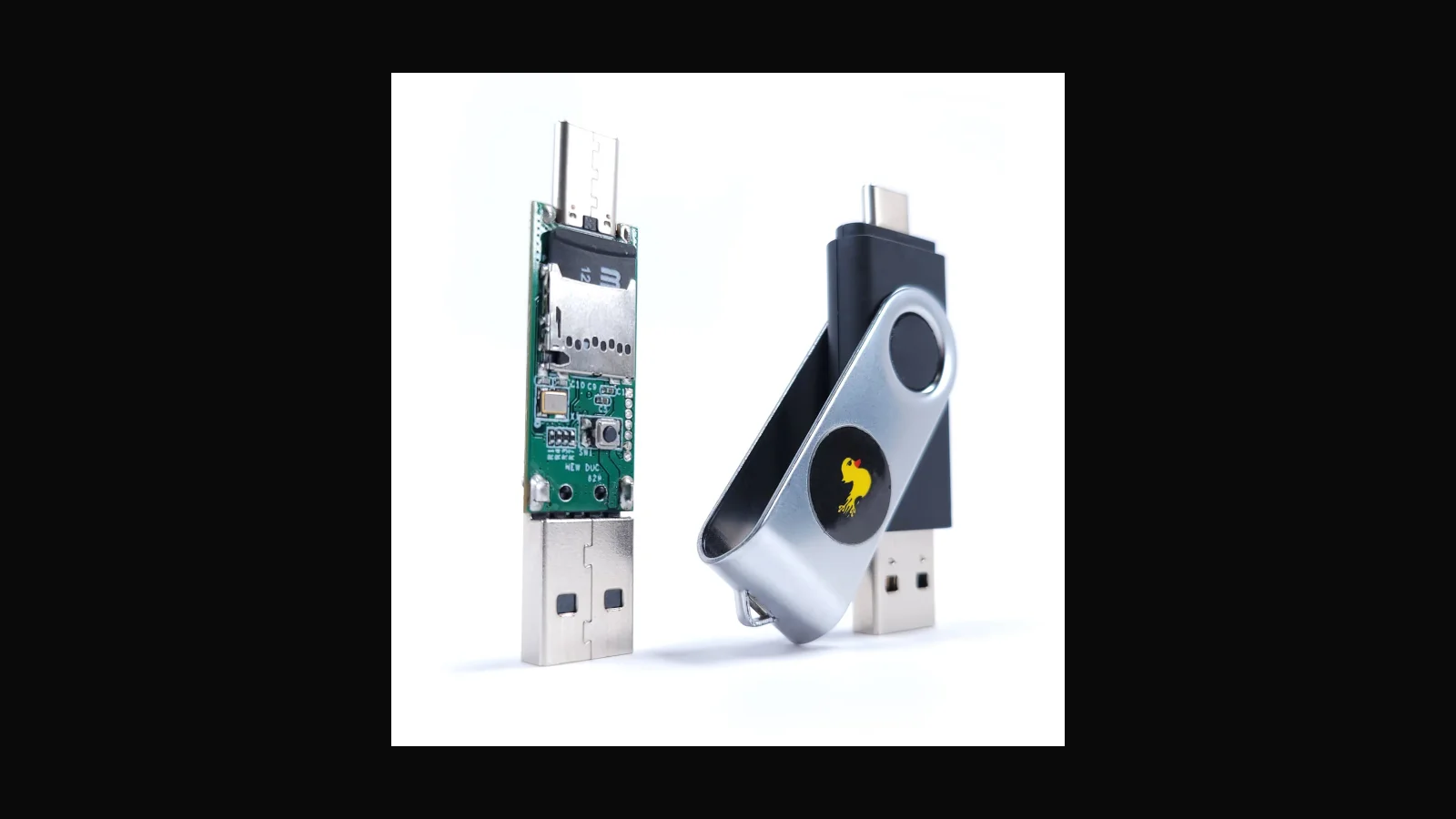
Not as a turnkey HID platform. You can experiment with USB/HID stacks, but Ducky remains the purpose-built tool.
Does Full Set include a 3D printed case?
Kit contents are listed on the live product page — check before payment.
Warranty / DOA?
Message Dishan promptly with photos if a unit arrives dead.
Ordering in Sri Lanka
M5StickC Plus V2 Full Set: LKR 14,750 (VAT inclusive).
Order on alfanetworklk.com or message Dishan on WhatsApp at +94 75 255 0704. Payment options we use locally are cash on delivery, KokoPay, or bank deposit. Before dispatch we ask for ID verification and a signed authorised-use declaration — that is how we keep sales tied to legitimate training and assessment work.
Comments (0)
No public comments yet.